Download now
Download now


xan
XAN Wallet: Best Wallet to Store, Send & Use XAN (2026 Guide)
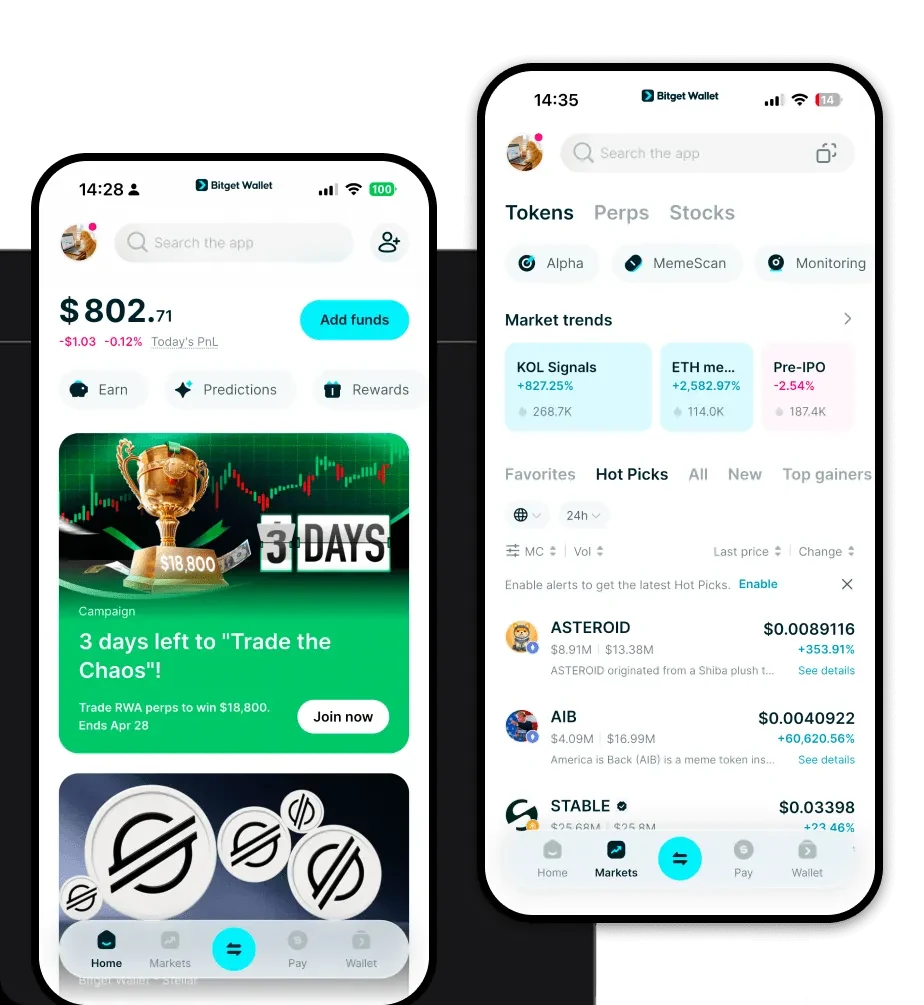
Download the best Anoma wallet to store, send, and use Anoma. Learn how to create a Anoma wallet, access DApps, and manage your Anoma securely.
FAQ
Questions, answered.
Is XAN wallet safe?
Yes, Bitget Wallet is designed with high-level security features. It provides self-custody, meaning you retain full control over your private keys. Additionally, the platform is backed by a $300 million user protection fund, providing an extra layer of security for your assets.
How to get a XAN wallet address?
Once you have set up your Bitget Wallet and ensured you are on the BNB Chain, simply tap the 'Receive' button in your dashboard. Select the BNB Chain or the XAN token, and your wallet address will be displayed as a string of characters and a QR code, which you can copy for incoming transactions.
Can I store XAN on Bitget Wallet?
Yes, you can store XAN on Bitget Wallet. As an EVM-compatible wallet that supports the BNB Chain, it is fully capable of holding, sending, and receiving XAN tokens. You can easily import the token contract address to view your balance and manage your assets.

About us
Products
Developer services